Conference Room Calendars - How to Subscribe to a Google Resource Calendar
Updated: 07/29/2026
Article #: 30
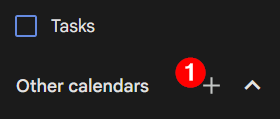
On the left side of Google Calendar,
select the "+" next to "Other Calendars"
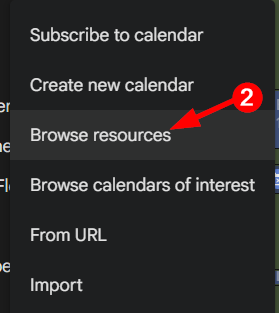
Select Browse Resources
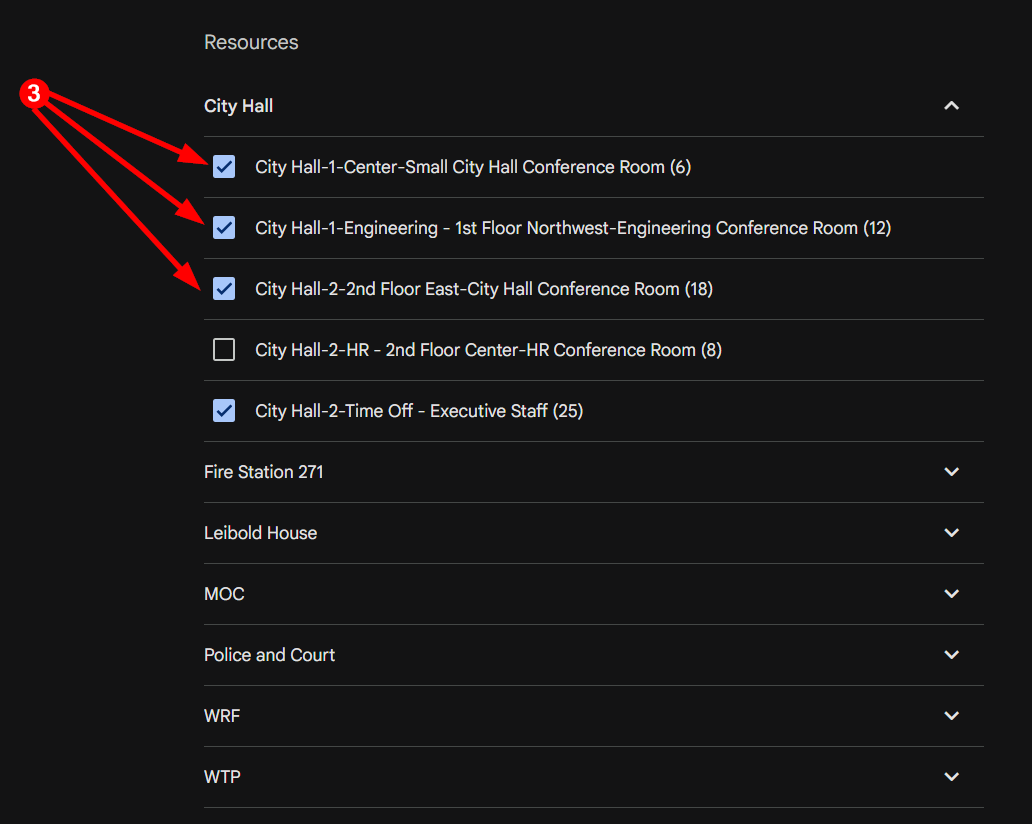
Check the box for every calendar you would like to see in your main calendar view.
Note: Once subscribed to a resource calendar, you can still toggle the calendars on and off as you would any other calendar in the main view.
|
Rate this Topic:
|
|||
|
